Cisco Tech Talk: Adding a KEM to an 8865 MPP Phone with Webex Calling
2:53
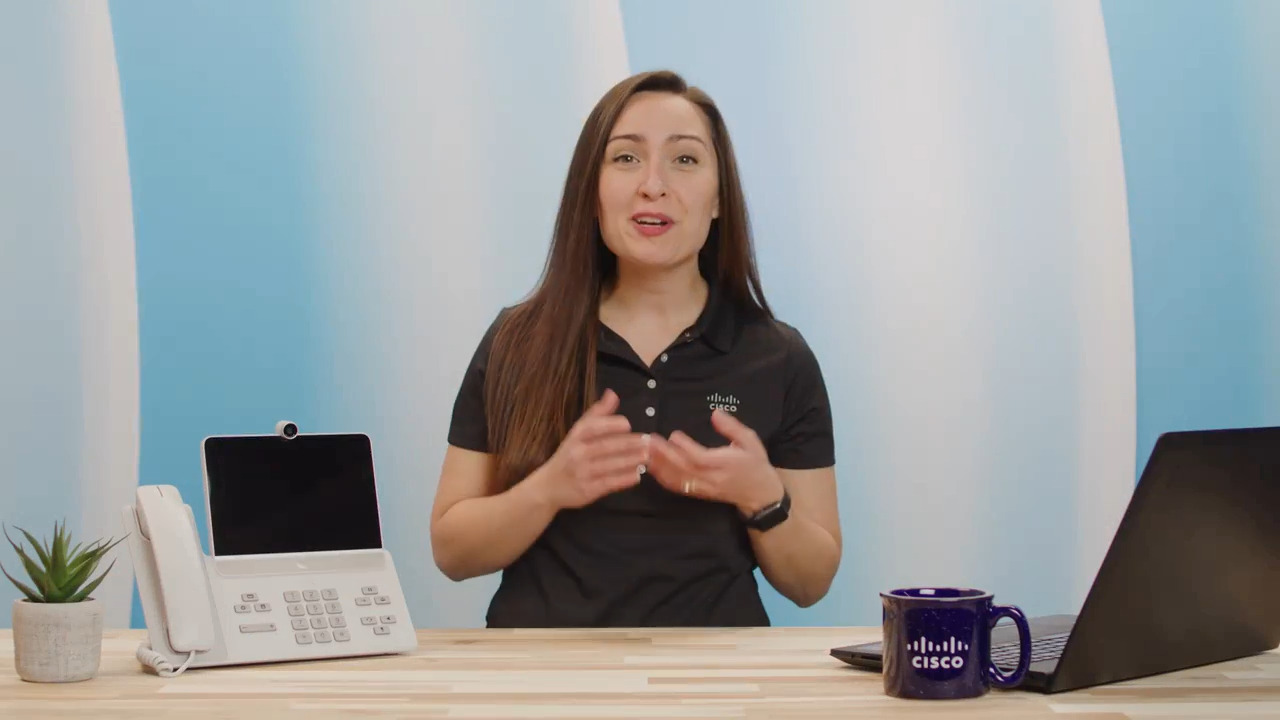
In this edition of Cisco Tech Talk, I’ll show you how to add a KEM to an 8851, 8861, or 8865 MPP phone with Webex Calling.
Related Videos
In Calling
-
Play video How to configure hunt group in Webex Calling
How to configure hunt group in Webex Calling
This video demonstrates how to configure hunt group in Webex Calling Tags: webex, hunt group
2:09
-
Play video Configuring Virtual Lines in Webex Calling.
Configuring Virtual Lines in Webex Calling.
This video demonstrate how to configuring Virtual Lines in Webex Calling, for more information : https://help.webex.com/en-us/article/nthc9kbb/Multi-line-support-in-Webex-Calling-using-virtual-lines
1:42
-
Play video Showing or Hiding Webex calling Features for Users from Control Hub
Showing or Hiding Webex calling Features for Users from Control Hub
This video demostrates Showing or Hiding Webex calling Features for Users from Control Hub Tags: control hub, administrator
2:17
-
Play video How to add a User and Workspace then assign a Cisco Webex Calling professional / Workspace license.
How to add a User and Workspace then assign a Cisco Webex Calling professional / Workspace license.
This video demonstrates how to add a user and Workspace and assign a Cisco Webex Calling license. Tags: Webex, Calling
1:47
-
Play video Verifying if the Devices are Registered to Webex Calling
Verifying if the Devices are Registered to Webex Calling
Contributed by: Tha'er Imseeh The video provides the steps to verify if the Devices are Registered to Webex Calling. Tags: verification,devices,registration,webex,calling
1:13
-
Play video Cisco Tech Talk: Generate a PRT From a Webex Calling Registered Phone
Cisco Tech Talk: Generate a PRT From a Webex Calling Registered Phone
In this edition of Cisco Tech Talk, I’ll demonstrate how to pull a Problem Report Tool (PRT) file directly from a phone that is registered to Webex Calling (WxC).
3:30