File transfer in Cat9000 switches using SFTP/WebUI
3:24
This content show the steps to configure and transfer files using SFTP and WebUI on a Catalyst 9000 switch. Tags: catalyst9300,catalyst9400, catalyst9500, catalyst9600, SFTP, webui
Related Videos
In Enterprise Switching
-
Play video Understanding New QoS config on C9350
Understanding New QoS config on C9350
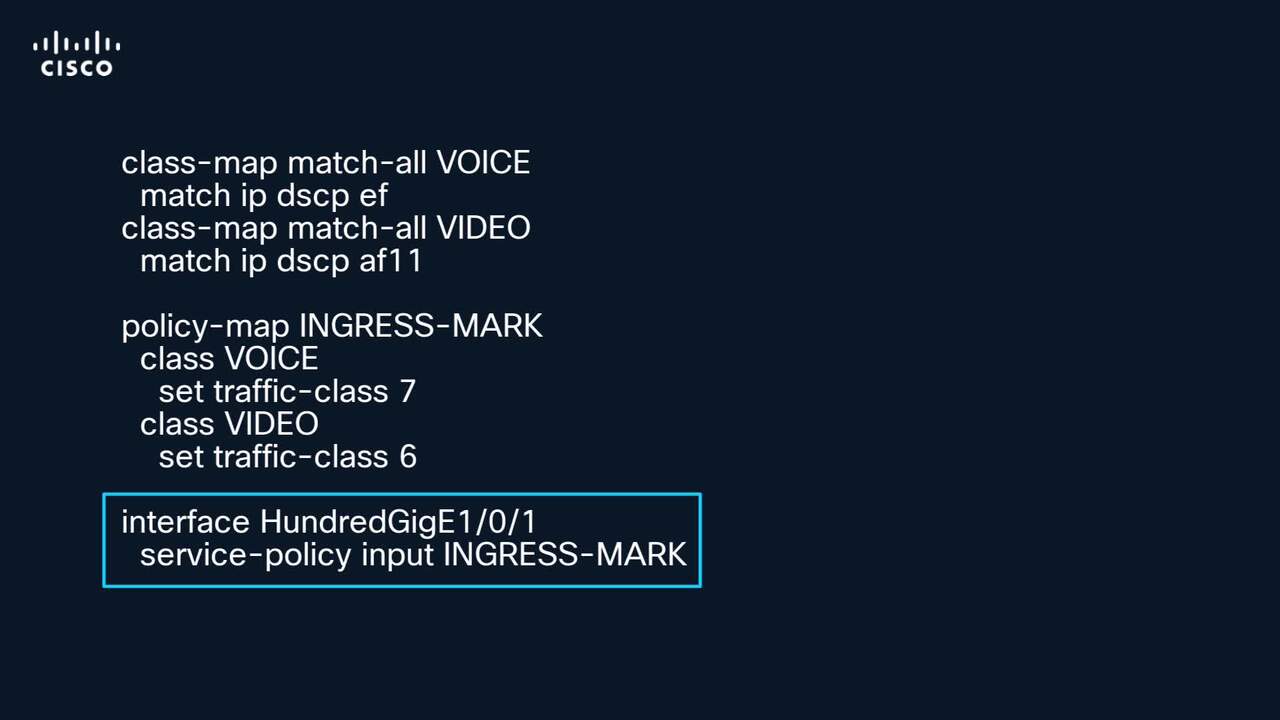
TAC video to demostrate what changed in QoS configs for the C9350 switches
4:44
-
Play video How to Configure FED CPU Capture on C9k Switches
How to Configure FED CPU Capture on C9k Switches
Tutorial on how to configure and use FED CPU Punt and Inject capture on Catalyst 9000 series switches. Tags:C9000,C9k,Catalyst9k,packet loss,drops,packet capture,broadcast storm
4:16
-
Play video Convert Catalyst 9600/9600X StackWise Virtual to Quad-Supervisor
Convert Catalyst 9600/9600X StackWise Virtual to Quad-Supervisor
This video provides the procedure and a step-by-step walkthrough on how to convert an existing Catalyst 9600 or Catalyst 9600X StackWise Virtual deployment into a Quad-Supervisor setup. Tags: catalyst,9600,9600x,c9600,c9600x,c9000,svl
8:04
-
Play video Isolate Common Errors On STP And Features
Isolate Common Errors On STP And Features
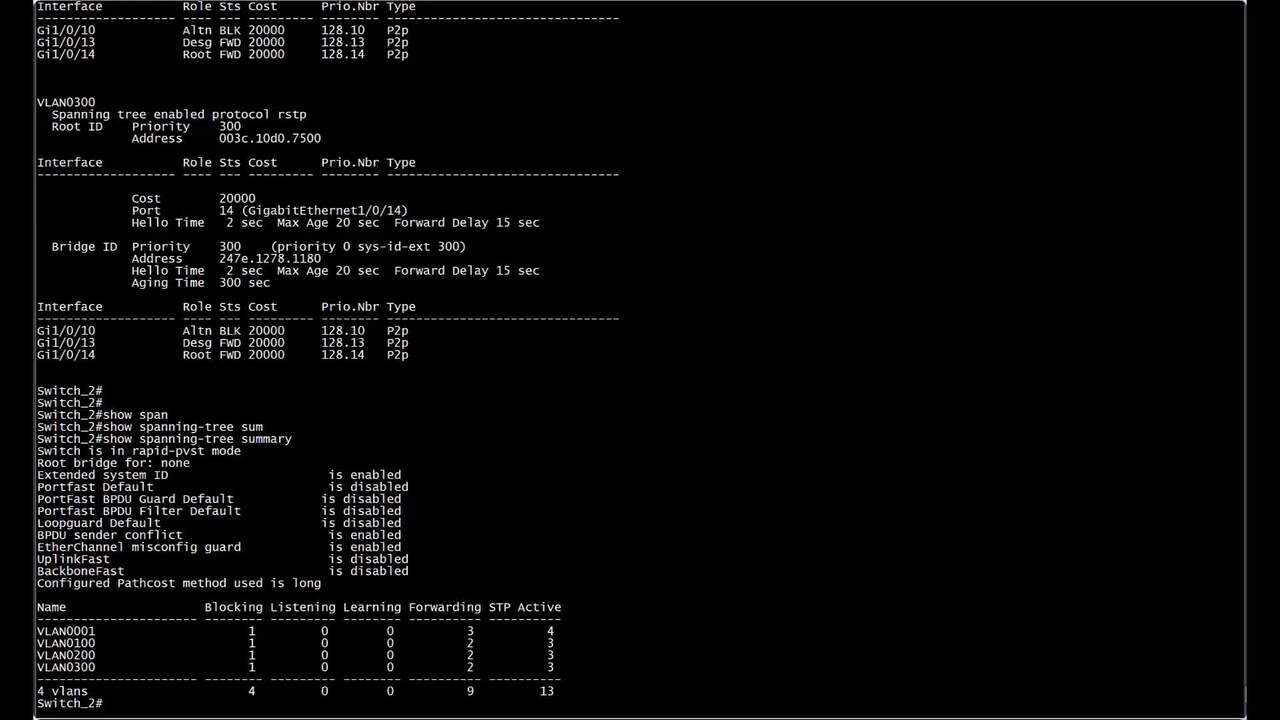
This video demonstrate how to identify logs associated with Spanning Tree Protocol (STP) features, such as Loop Guard, Root Guard, BPDU Guard, and PortFast. Furthermore, include a comprehensive guide on troubleshooting these specific scenarios.
7:16
-
Play video Configure Stackpower Ports and Priorities
Configure Stackpower Ports and Priorities
This video describes the steps for disabling and enabling Stackpower ports and to configure priorities in the Catalyst 9300 series switches. Tags: cat9000switch,stackpower,power,stack,switching,supply,powerstack
5:09
-
Play video 1:1 Redundancy Stack Mode for C9200/C9300 Switches
1:1 Redundancy Stack Mode for C9200/C9300 Switches
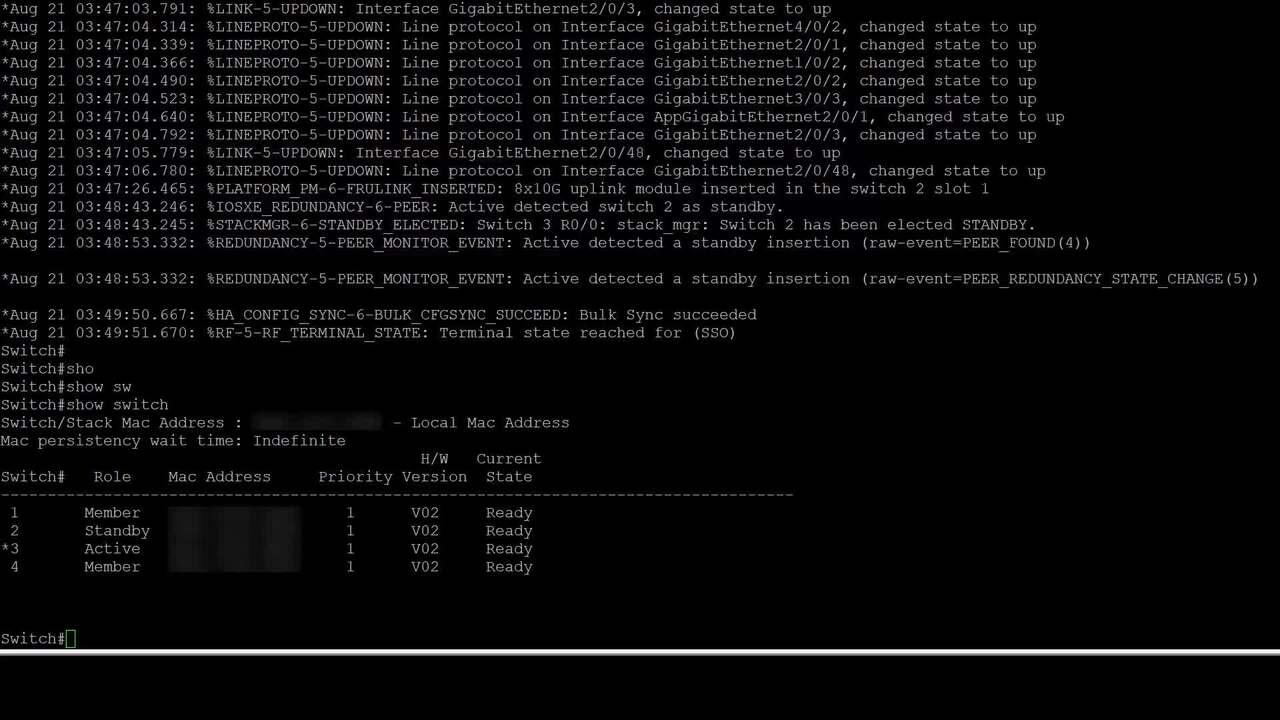
This video will help you understand the concept of 1:1 redundancy stack mode, how to configure or verify this mode, and problems that may happen if you misconfigure this feature
4:16