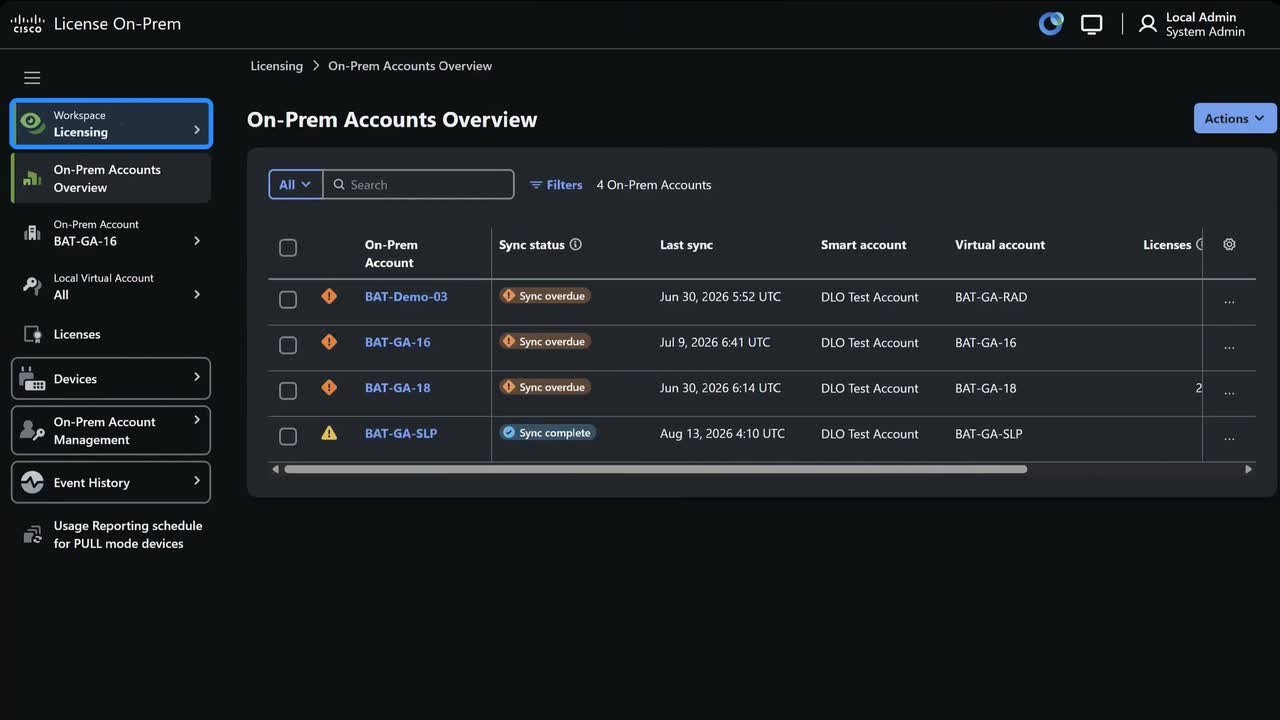
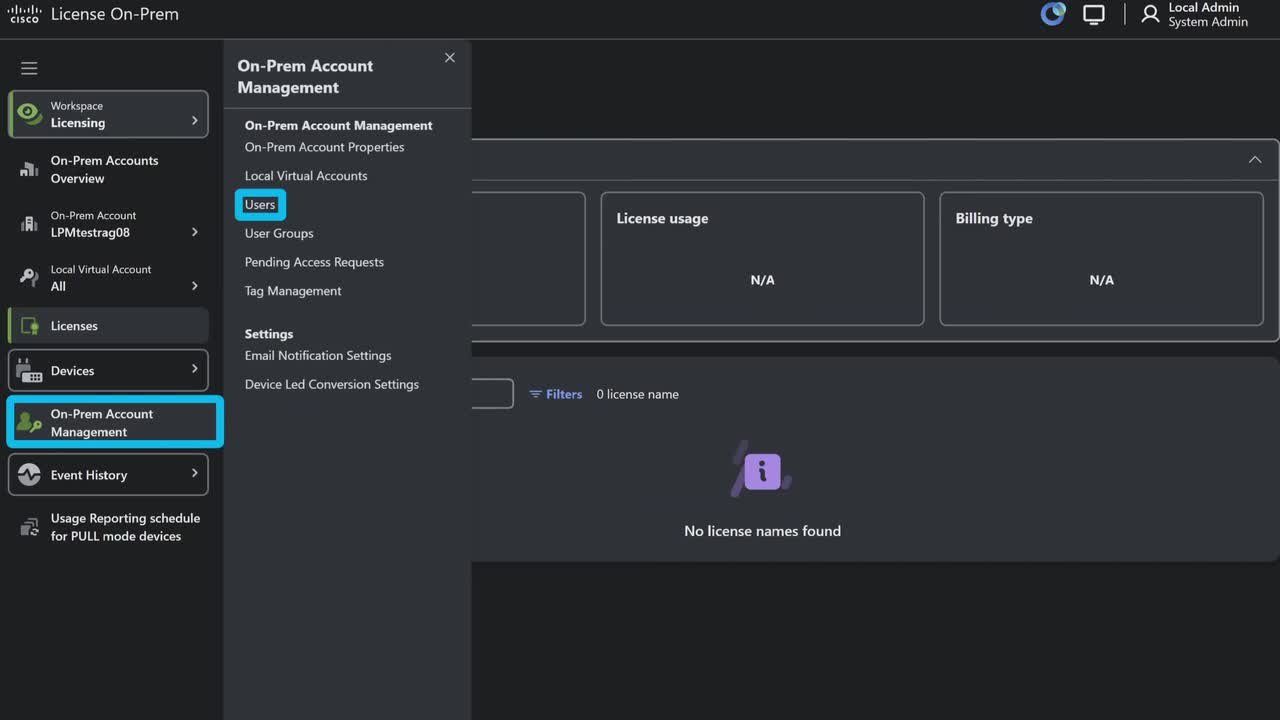
How can I view all my devices in Cisco License On-Prem (CLP) deployment?
1:49
View all my devices in Cisco License On-Prem (CLP) deployment
Related Videos
In Technical Support
-
Play video Cisco VDI Client Architecture
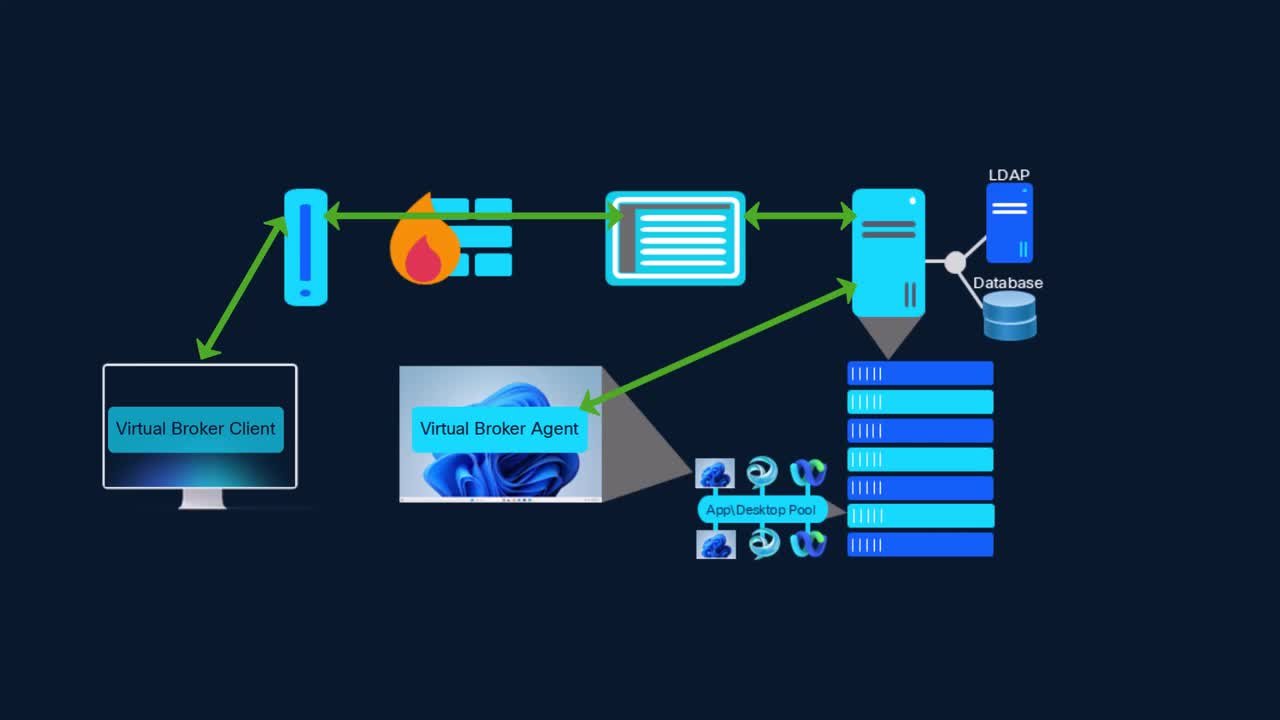
Cisco VDI Client Architecture
This video provides guidance and configuration regarding the Cisco VDI client architecture. Tags: jabber,vdi
11:17
-
Play video Obtain Install Logs From IM and Presence with the ISO Recovery Tool
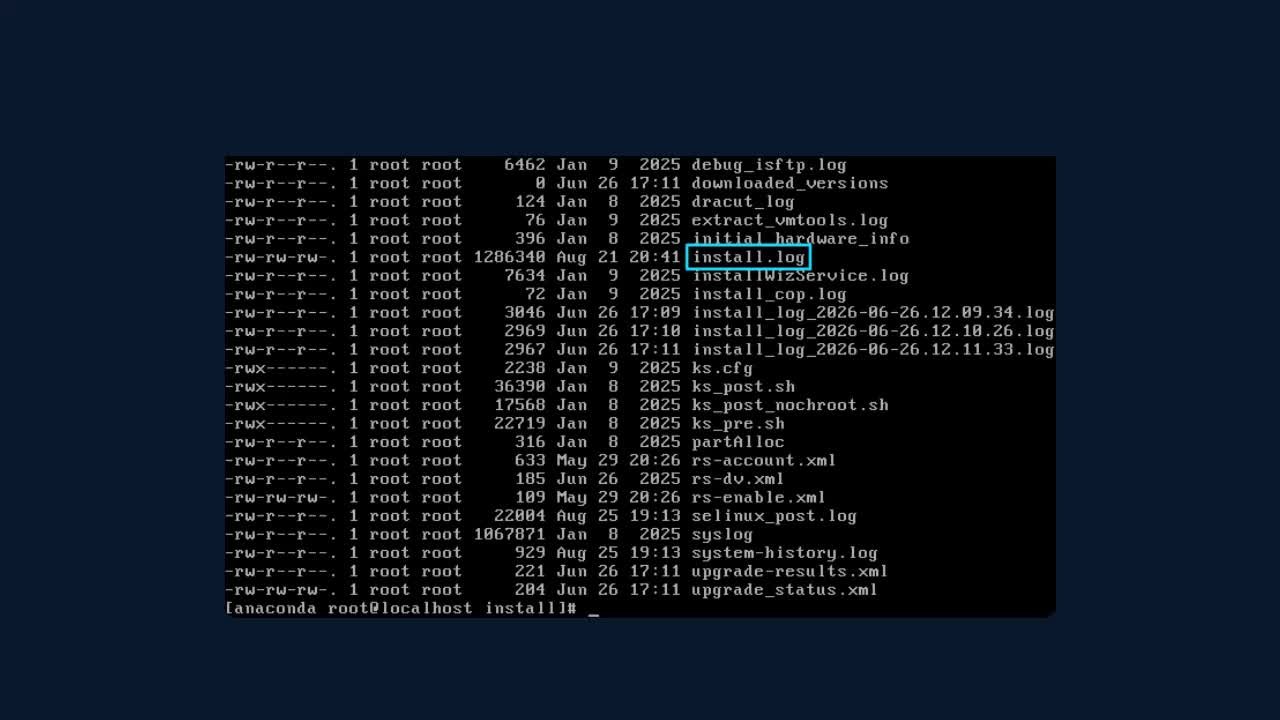
Obtain Install Logs From IM and Presence with the ISO Recovery Tool
This video demonstrates how to collect the install logs after an installation failure using the ISO Recovery Tool.
6:31
-
Play video Check Notifications in IM and Presence
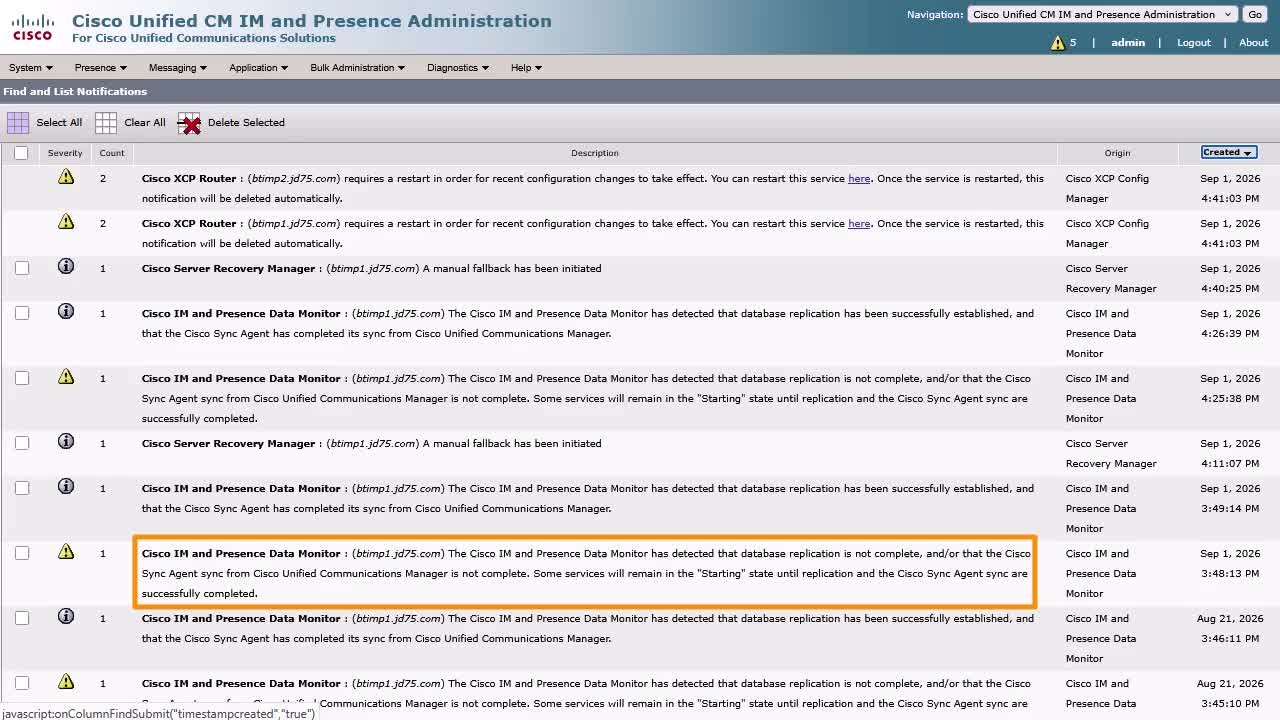
Check Notifications in IM and Presence
This video explains what the notification feature of IM and Presence is and how to manage them for better administration of the server. Tags: presence,notification,error
3:39
-
Play video How can I view a list of events transacted against my account in Cisco License On-Prem (CLP) deployment?
How can I view a list of events transacted against my account in Cisco License On-Prem (CLP) deployment?
View a list of events transacted against my account in Cisco License On-Prem (CLP) deployment?
1:07
-
Play video How can I add users in Cisco License On-Prem (CLP) deployment?
How can I add users in Cisco License On-Prem (CLP) deployment?
Add users in Cisco License On-Prem (CLP) deployment
1:52
-
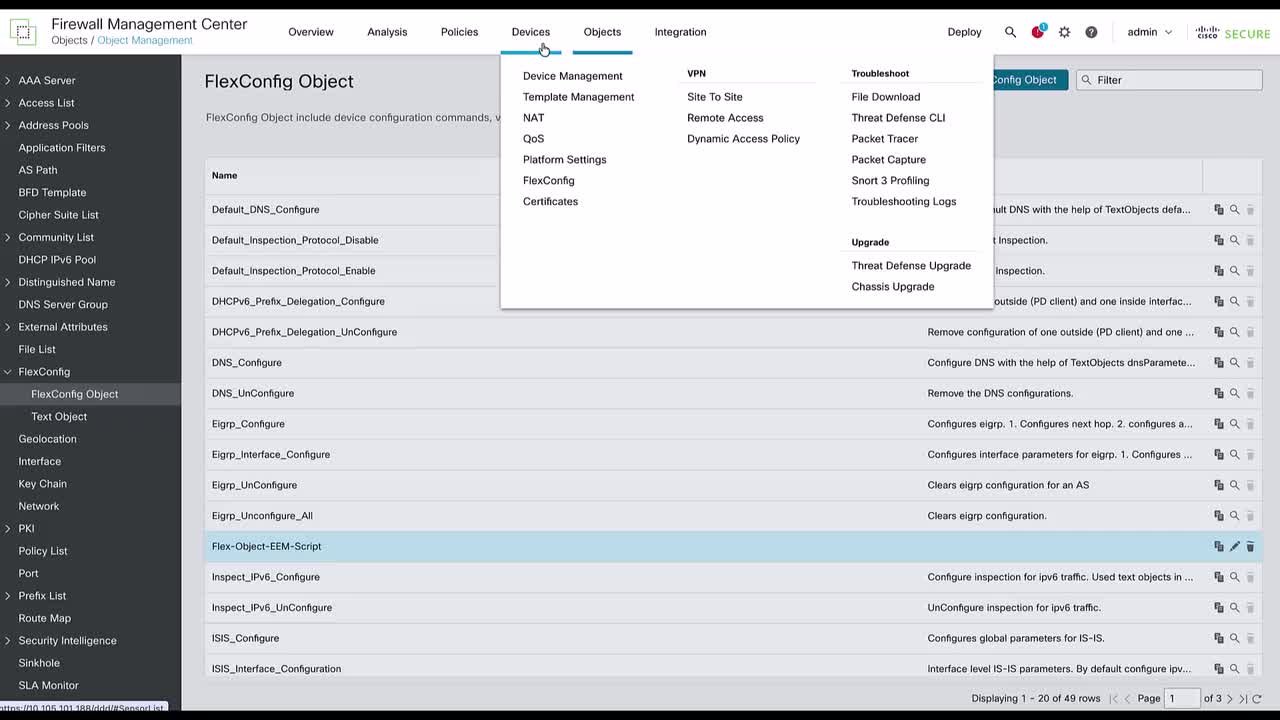
Play video FTD: Configure EEM scripts for block depletion logs on FTD using FlexConfig
FTD: Configure EEM scripts for block depletion logs on FTD using FlexConfig
This video demonstrates the steps to configure an EEM script on FTD using a FlexConfig policy to automatically capture the block depletion logs to the flash whenever a syslog error of low free memory blocks occurs on FTD, for analysis purposes.
4:58