Webex Contact Center Managing Collaboration Settings
2:57
An Agent’s ability to collaborate is crucial to how he or she may get their job done. An Agent may want to collaborate with or Agents to ask for assistance while on a call.
Related Videos
In Webex Contact Center - Administration
-
Play video Webex Contact Center Managing Auxiliary Code Settings
Webex Contact Center Managing Auxiliary Code Settings
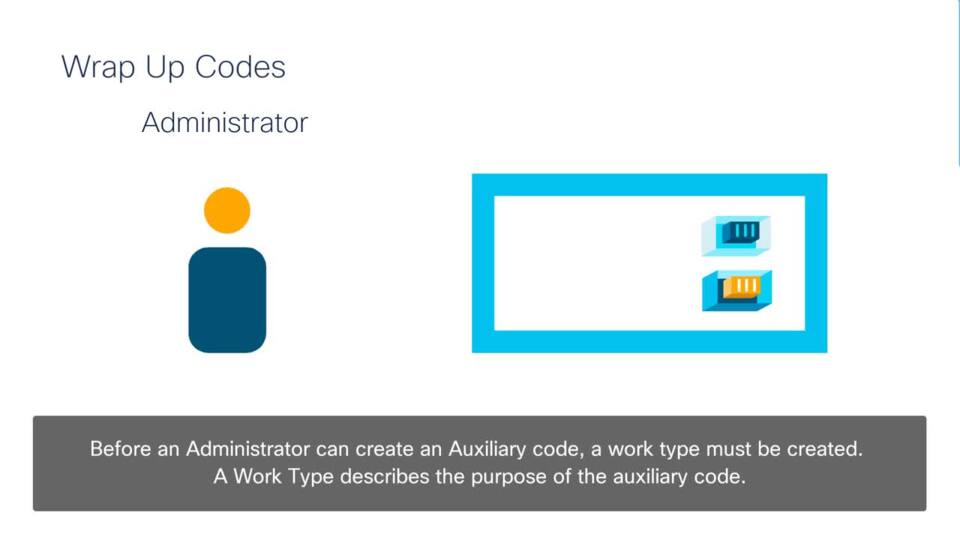
Auxiliary codes are used to keep record of Agent activities. It is important for agents to accurately update their auxiliary codes so their activities and call data is recorded and can be referenced if need be.
2:36
-
Play video Webex Contact Center Agent DN Validation Settings
Webex Contact Center Agent DN Validation Settings
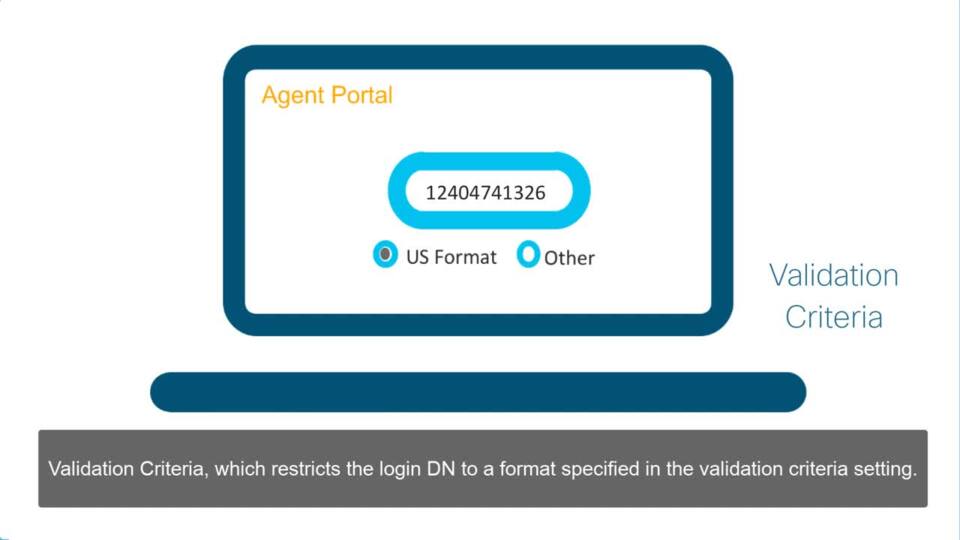
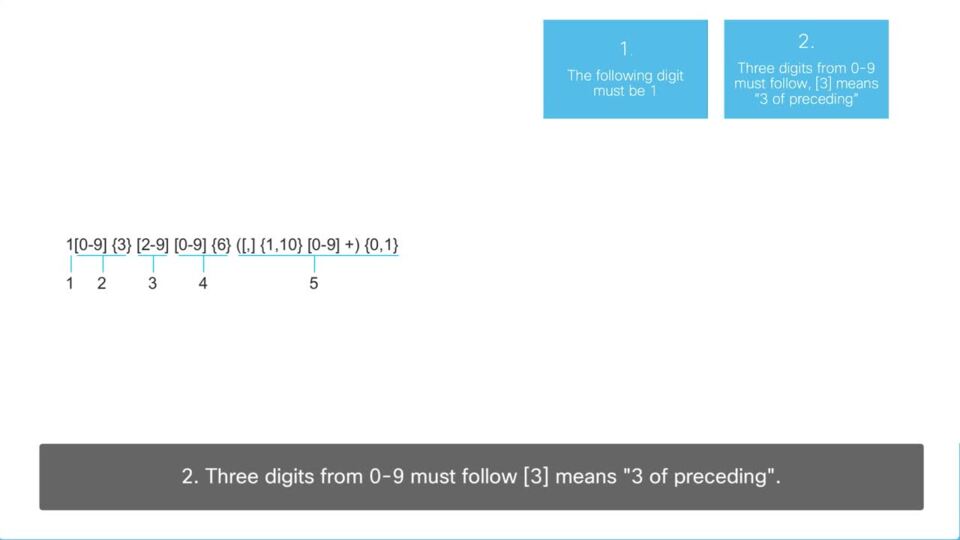
It may be convenient for Agents to login their Agent desktops by using any DN. This is beneficial because it does not place limits on what number an Agent would have to use.
1:57
-
Play video Webex Contact Center Agent Bulk Upload
Webex Contact Center Agent Bulk Upload
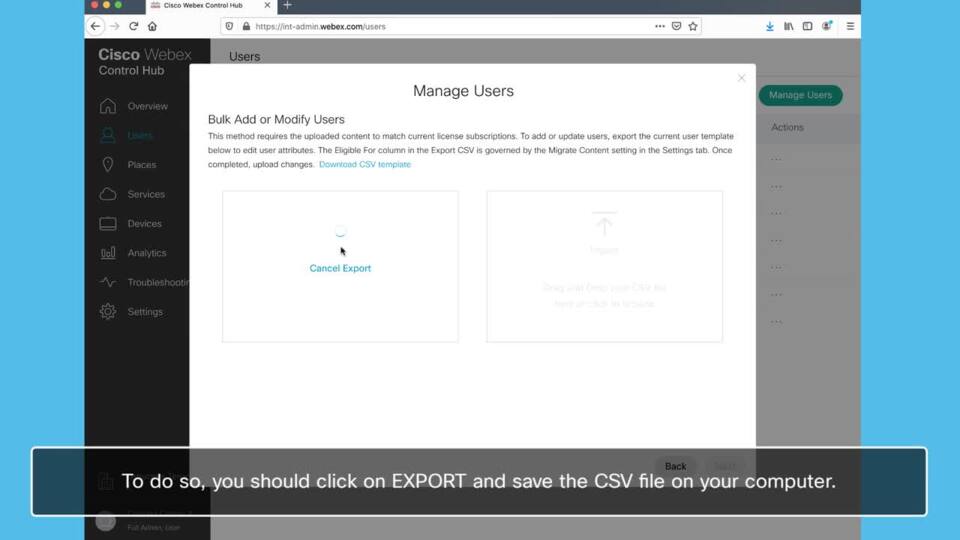
Rather than adding Agents individually, you can upload multiple Agents from a .csv to the Webex Control Hub.
1:26
-
Play video Webex Contact Center Dial Plan Settings
Webex Contact Center Dial Plan Settings
If an Agent is assigned a profile in which the Dial Plan setting is enabled, the Agent can make out dial calls by entering valid text in the “Start a New Call” field of the dial pad on the Agent Desktop.
3:20
-
Play video Webex Contact Center User Roles
Webex Contact Center User Roles
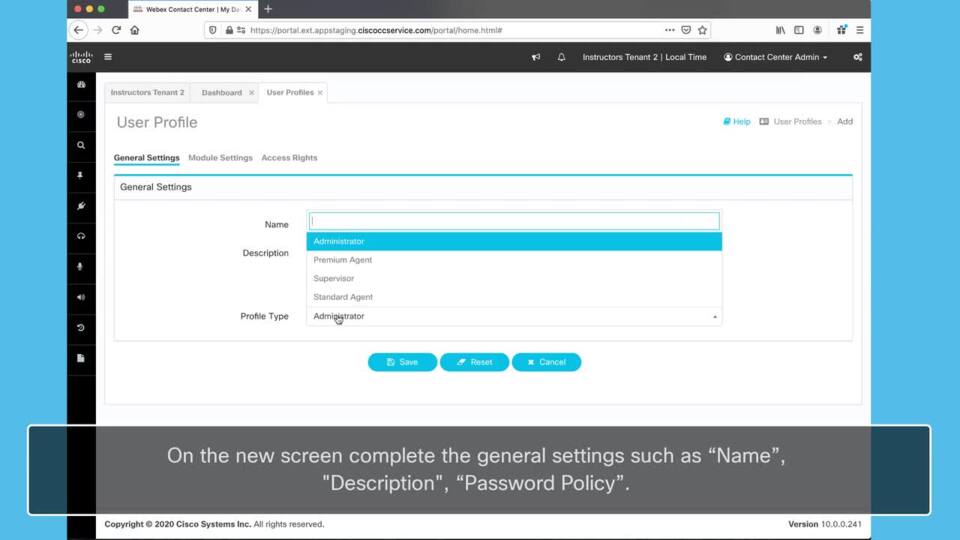
By default there are three main types of Users, or as they’re labeled in the portal “User Profiles”. Though the site starts off with these three different account types, administrators can create more with different permission sets.
2:41
-
Play video Webex Contact Center Using Bulk Upload to Add or Remove DN Mappings
Webex Contact Center Using Bulk Upload to Add or Remove DN Mappings
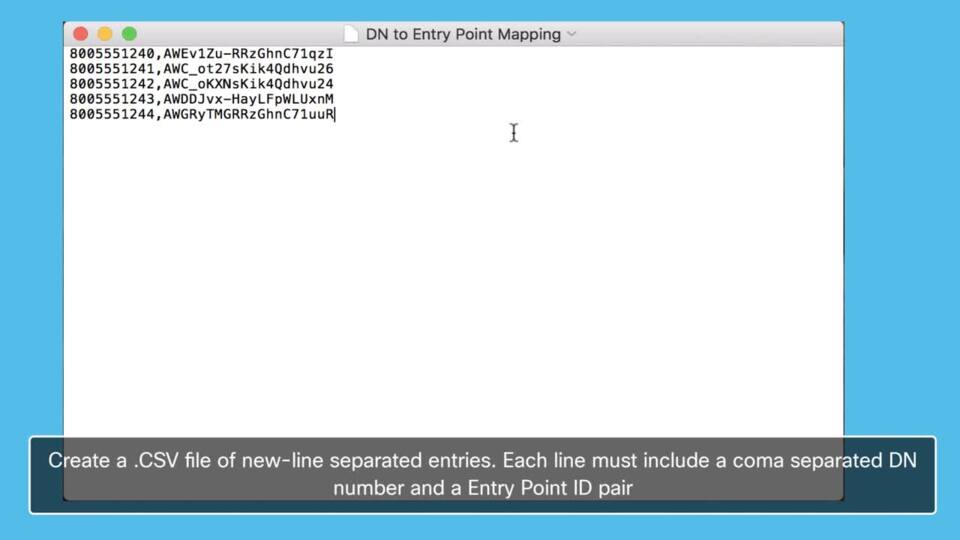
Using the “Bulk Upload” tool to add or remove DN Mappings is a more efficient way to add multiple DN mappings to your Contact Center Platform. This saves time configuring, as well as allows for greater quality control.
1:40