How to Resolve "Impaired Service" error for VIMT on Webex Control Hub
2:52
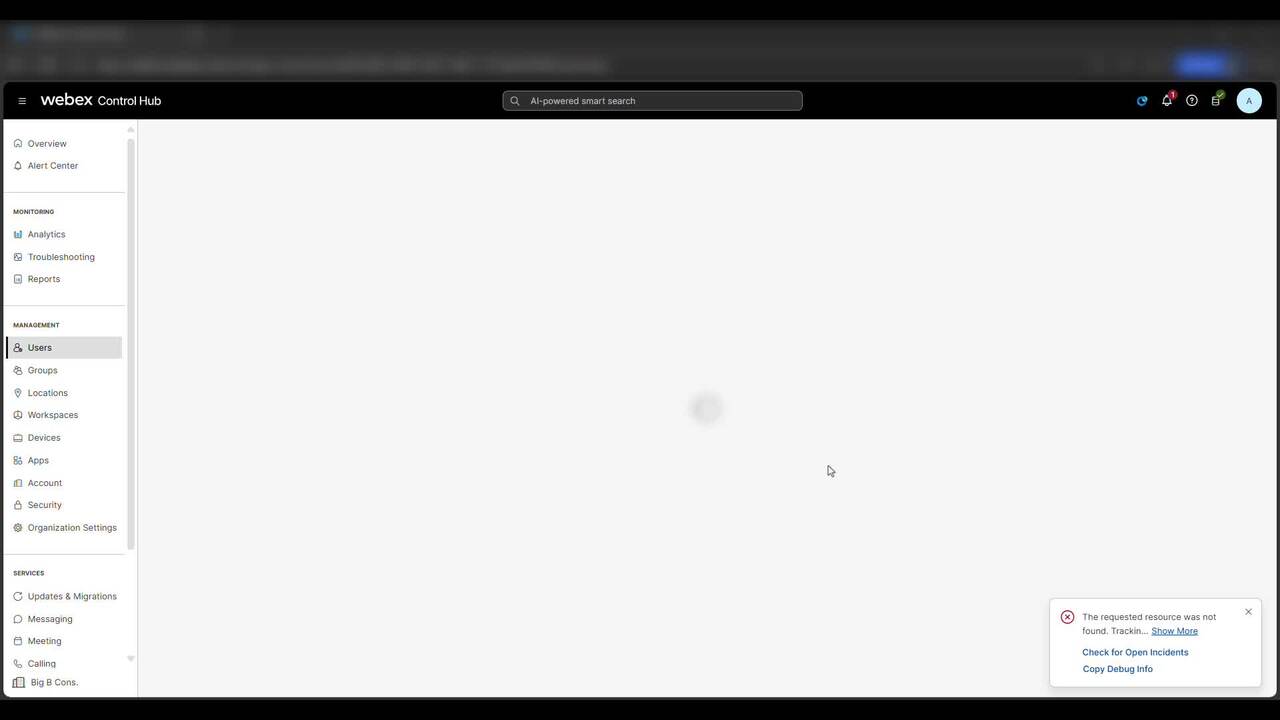
This video provides steps on how to resolve the "Impaired Service" error for VIMT (Video Integration for Microsoft Teams) on Control Hub.
Related Videos
In Webex
-
Play video Gather logs from a RoomKit EQ via Web GUI
Gather logs from a RoomKit EQ via Web GUI
This video demenstrates how to collect logs for an On-prem registered Cisco EP using web GUI. Tags: portal, cxtacvideos, webex, devices
1:08
-
Play video Cloud Connected UC Directory Service
Cloud Connected UC Directory Service
This video explains configuration of Cloud Connected UC Directory Service
4:13
-
Play video Collecting and Sharing Webex App Console logs from iPhone iPad with TAC
Collecting and Sharing Webex App Console logs from iPhone iPad with TAC
This video will demonstrate the process of Collecting Webex App Console logs from your iPhone/iPad Devices and sharing it with TAC. Tags: meetings
1:13
-
Play video How to add a User and Workspace then assign a Cisco Webex Calling professional / Workspace license.
How to add a User and Workspace then assign a Cisco Webex Calling professional / Workspace license.
This video demonstrates how to add a user and Workspace and assign a Cisco Webex Calling license. Tags: Webex, Calling
1:47
-
Play video Analysing Webex UCM Calling logs using Collaboration Solution Analyzer
Analysing Webex UCM Calling logs using Collaboration Solution Analyzer
The video shows how to analyse Webex UCM Calling logs using Collaboration Solution Analyzer tool (CSA) Tags: webex, ucm calling
3:43
-
Play video Add Custom URL Shortcuts on Webex App
Add Custom URL Shortcuts on Webex App
This Video will demonstrate how site Administrator can add custom shortcut URL on Webex App's navigation menu, that allows users to click a shortcut and open the target URL in Webex App.
1:10